

Spin Casino has an Android app, so you can open the casino on your phone without going through a desktop browser. An iPhone app is also available, and the iPhone app page covers that version. If you would rather not install anything, the mobile version works in your phone's browser.
What you can do on an Android phone
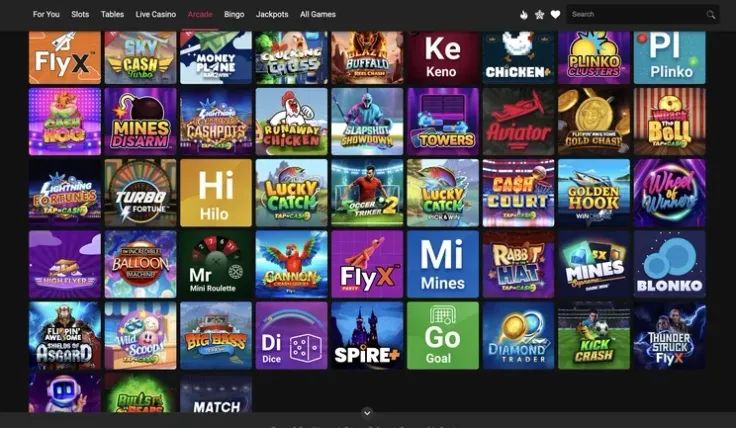
An installed app sits on your home screen as its own icon, so you do not have to type the address each time you want to log in. The mobile site does the same job from any browser, with nothing to install. Choose the app if you want quicker access, and the mobile site if you prefer to keep your phone free of extra software.
Live casino games are part of the Spin Casino range, so you can reach live tables from your phone as well. On a small screen, check the table limits and minimum bets before you join a table. Make sure the video loads well on your connection before you place a bet.
Results are random on every device. The screen size changes how comfortably you read a game, not how it pays. Before you play any slot, open its information and check the paytable, the RTP and the volatility, which describe how the game pays and how often wins tend to arrive. The maximum win in the game information shows the largest payout the game can give.
How to get the Android app

Use the button above to open the Android app, then follow the install steps on your phone. Start the install from that button rather than from a file or link shared in a message, a forum or a social post. Files from unknown sources can be unsafe, and they may not be the real Spin Casino app.
Before you start, check that your phone has enough free storage and a stable connection. Keep the phone charged or plugged in during the install so it is not interrupted. Once the app is installed, log in from its icon and make sure the account details shown are yours before you make any payment.
Keeping your account safe on your phone

Set a screen lock with a PIN, pattern, or fingerprint so that nobody can open the app or your browser without your permission. Do not share the phone with others while you are logged in. If other people use the same phone, log out after each session and do not save your password in the browser.
Use a Wi-Fi network you trust when you log in, and avoid public networks for payments. Check your mobile data plan before you play, because live games stream video and use more data than a menu or a static page. Keeping the phone's software updated also helps protect your account.
A phone is always within reach, which makes it easy to lose track of time and money. Decide how long you want to play before you start, and keep to it. If you want to limit how much you spend, the safer gambling page explains the options available to you.